 Khaldoun - Software Engineer
Make a deck. Study it. Get on with your day.
A calm, offline flashcards app for Android.
- No account and no sign-up, ever
- No subscription, and nothing to dismiss before you start
- Your cards stay on your device, and it works with no connection at all
- Your decks are files you own, in a documented format

Android. English and German.
The scheduler does the thinking
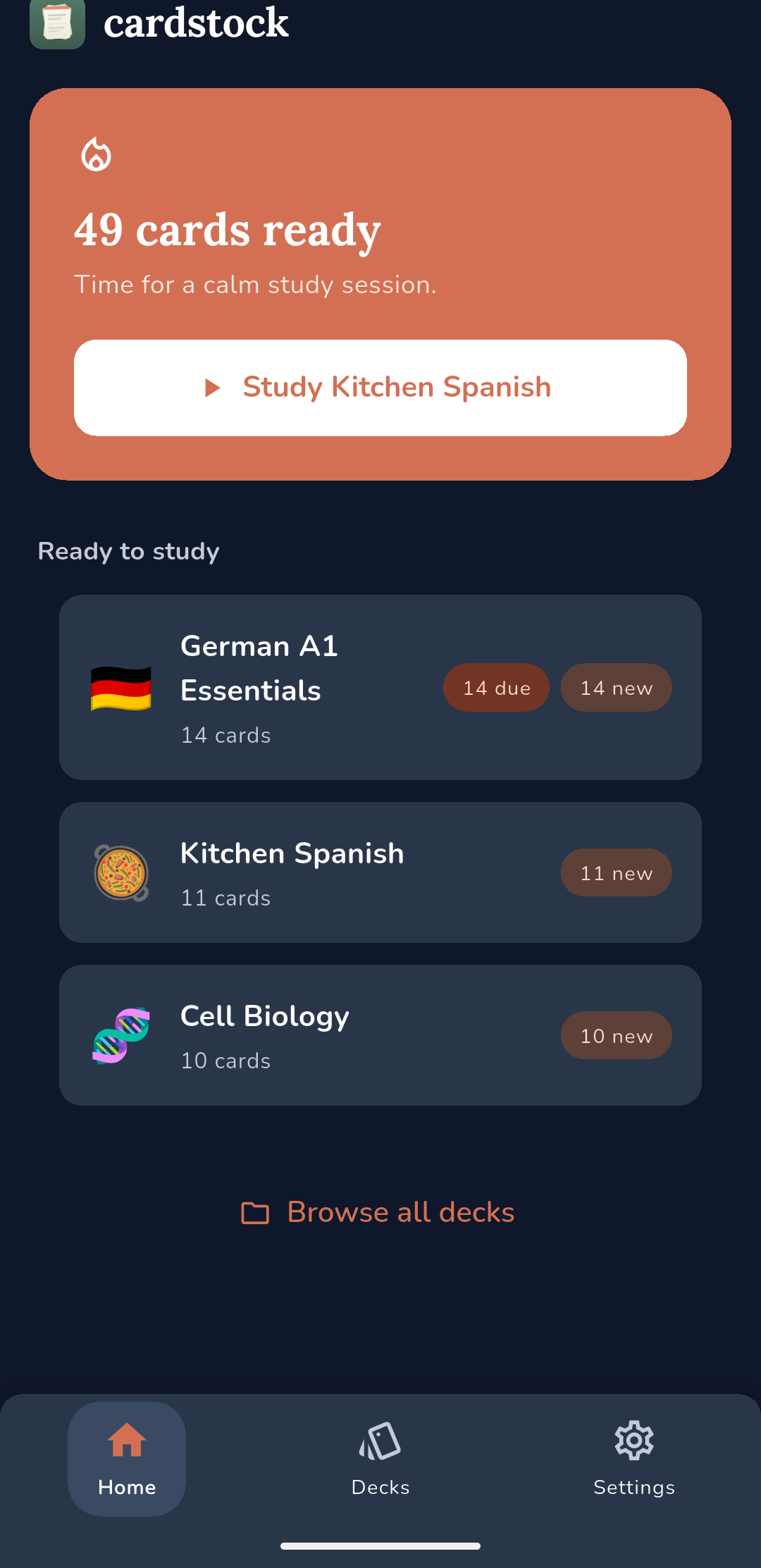
Cardstock schedules with FSRS, a modern open spaced repetition algorithm. It works out roughly when you are about to forget a card and shows it to you then, so a few minutes a day is enough and you are never grinding through cards you already know.
Need to stop for a while? Set the deck aside. It leaves Today, and nothing goes overdue while it rests, so coming back costs you a session rather than a backlog you did not earn. And if you are studying for a date, cards that would come back after it are pulled forward so you see them before it.
Four ways to study, and tests that span decks
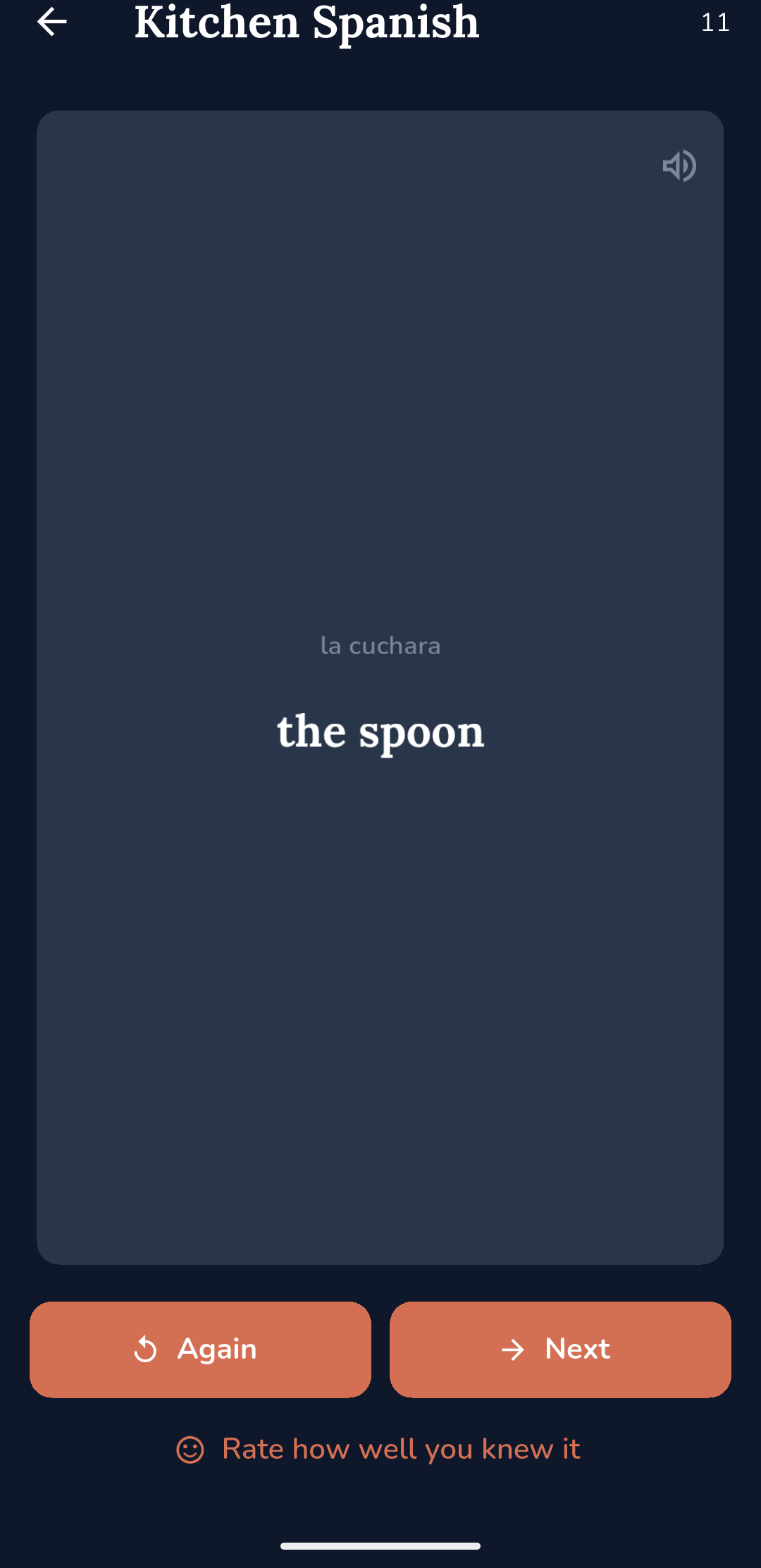
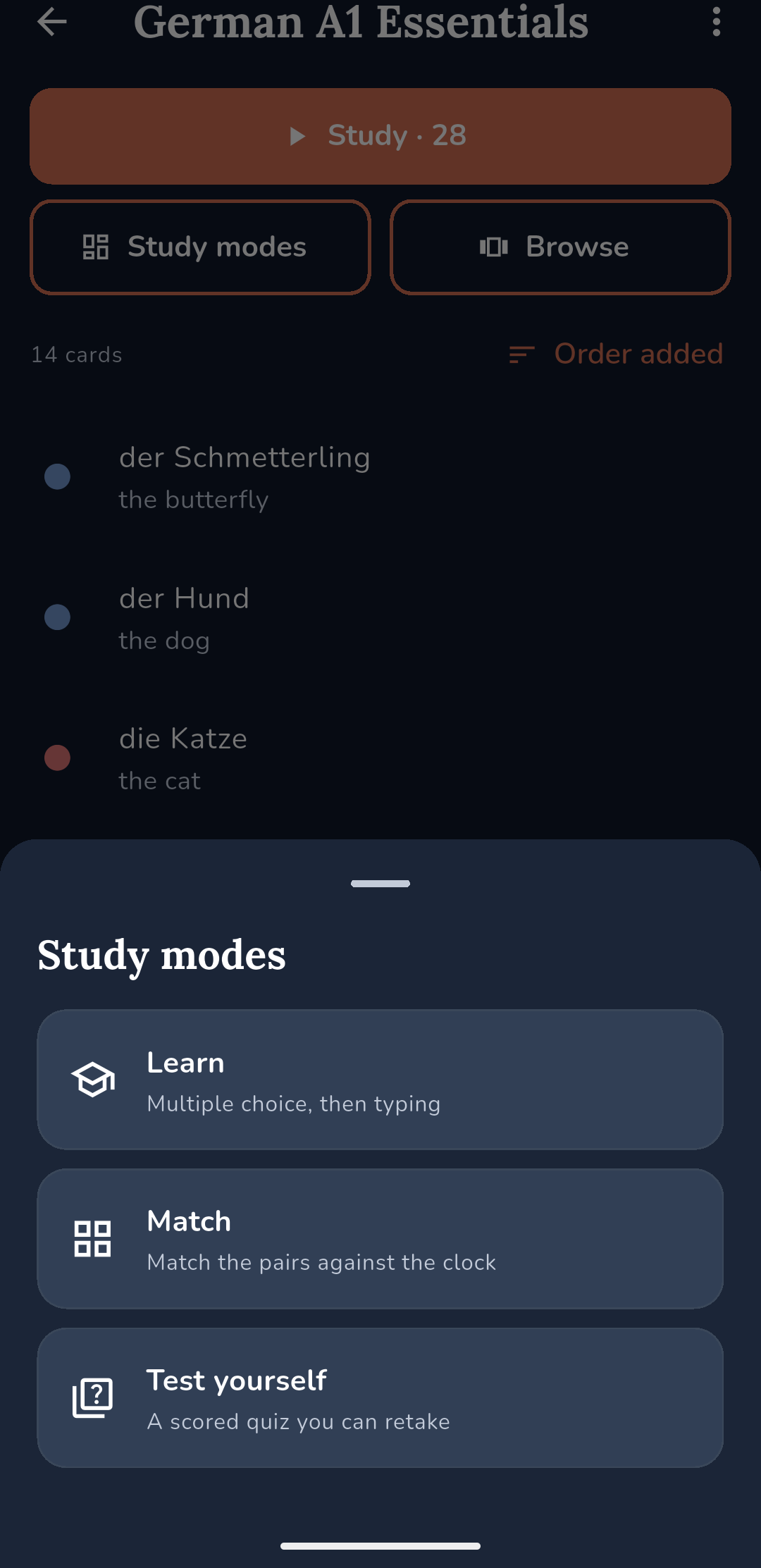
Review for spaced repetition. Learn, where a card has to pass multiple choice and then typed recall before it counts. Match, a timed grid for the five minutes before a lesson. And Test yourself, a scored quiz you can retake and compare.
The Tests tab builds one test across several decks: pick the decks, set an exact share from each, and everything you answer still counts towards each deck's own progress. Every test is kept, with what you scored.
Bring your own AI key, or ignore it entirely
Draft a deck from a description, have a test written about what your cards mean rather than what they say, or let AI mark your typing so a synonym still counts. You approve every change before anything is saved.
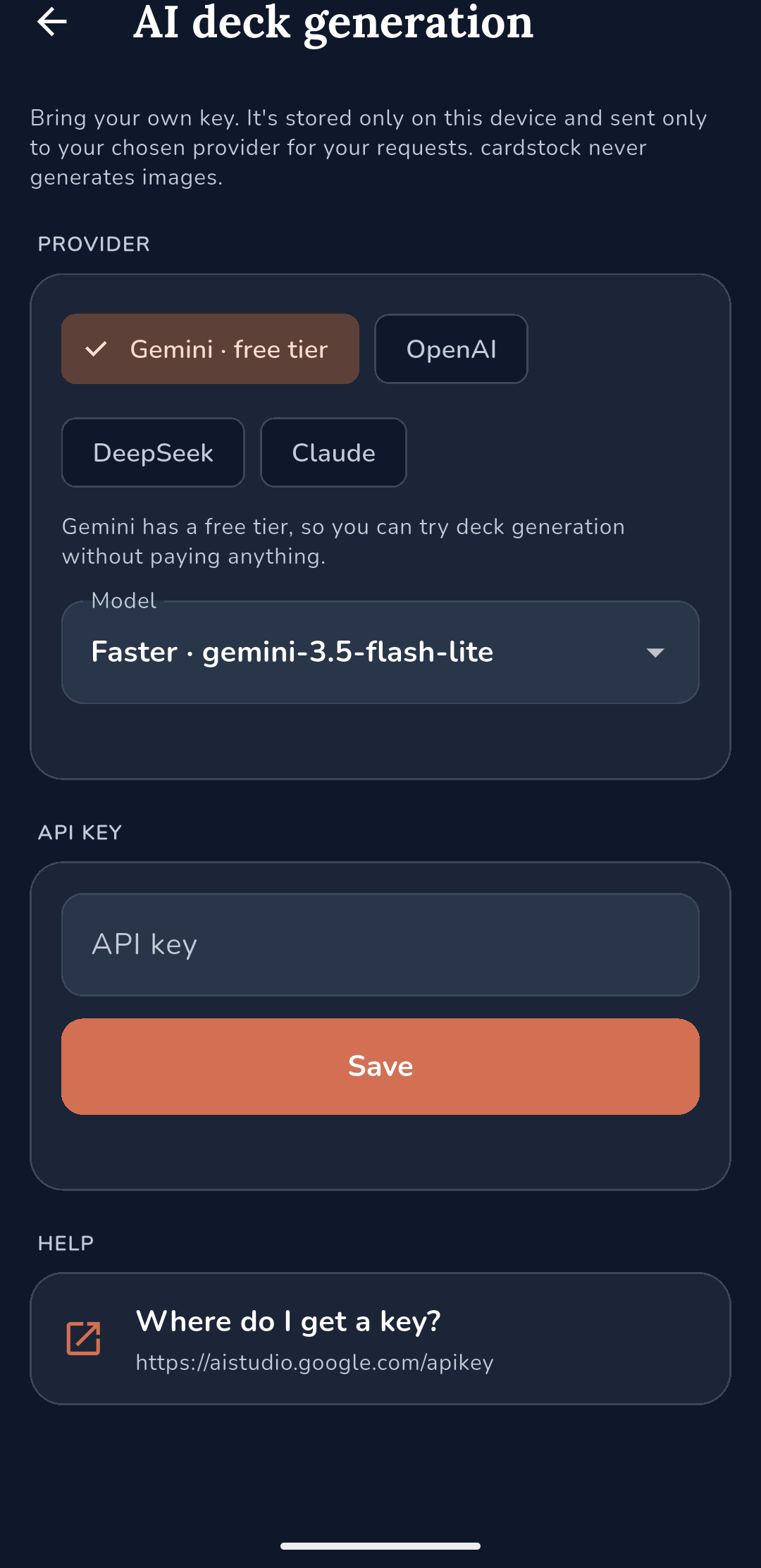
It runs on an API key you provide, for Gemini, OpenAI, DeepSeek or Claude. Your key lives in your device's secure storage, you pay your provider directly, and there is no Cardstock account or server in between. Leave it switched off and none of it ever runs.
If you use Google's free tier: Google's free tier is free because Google may use what you send to improve their models, and human reviewers may read it. A paid key avoids this.
Progress, without the guilt machinery
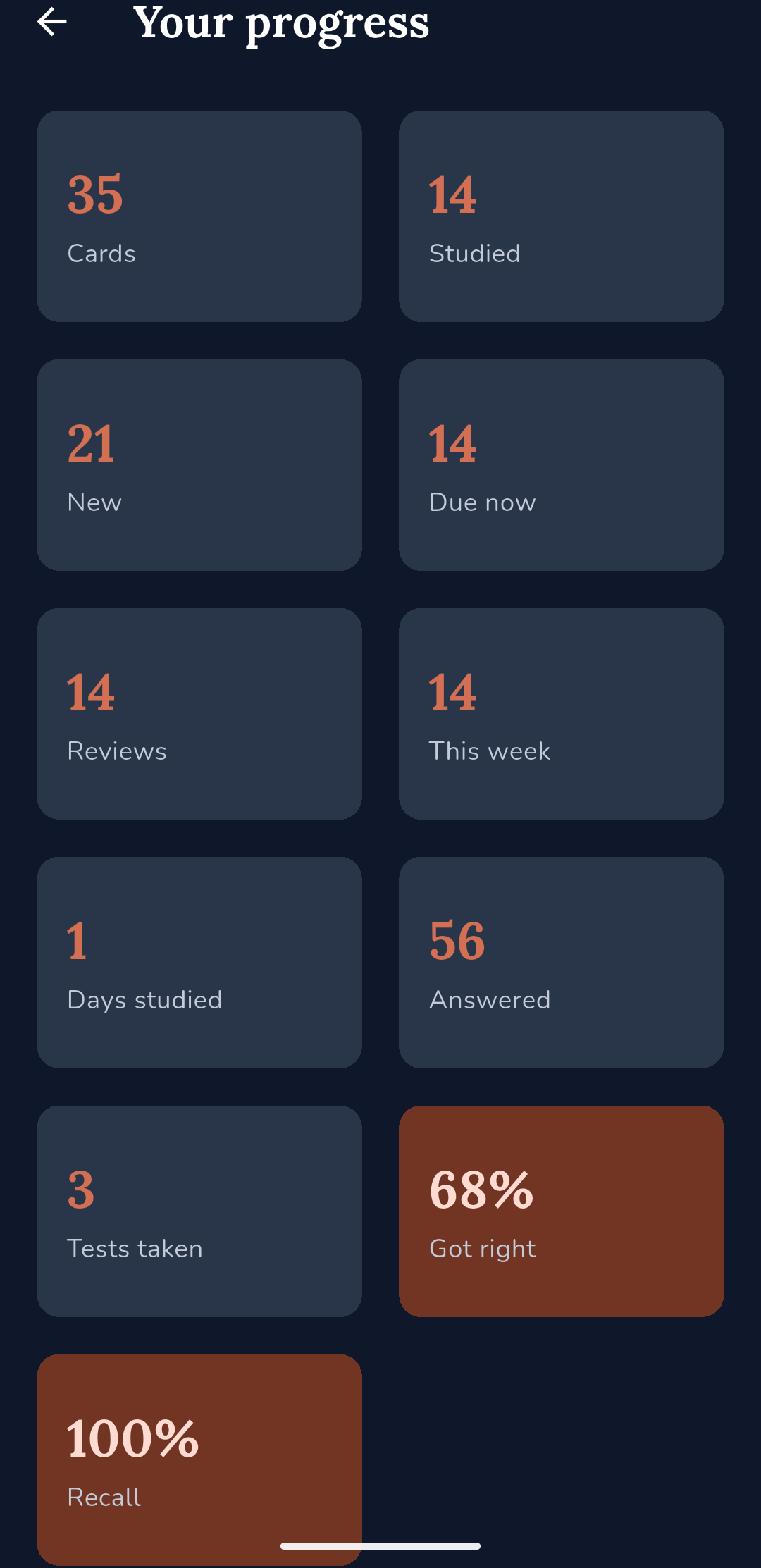
Days studied, cards answered, and how your recall is holding up. No streaks to break, no badges, no leagues, no XP. The absence is deliberate: a study app that punishes you for a day off is optimising for its own numbers rather than yours.
Cardstock is free and is supported by ads. That means one small ad on the screen at the end of a study session, and nowhere else: never before a session and never in the middle of one. You can watch a short ad to turn them off for 24 hours. There is no subscription, and there is currently no one-time purchase to remove them.