Your Personal Recipe Companion
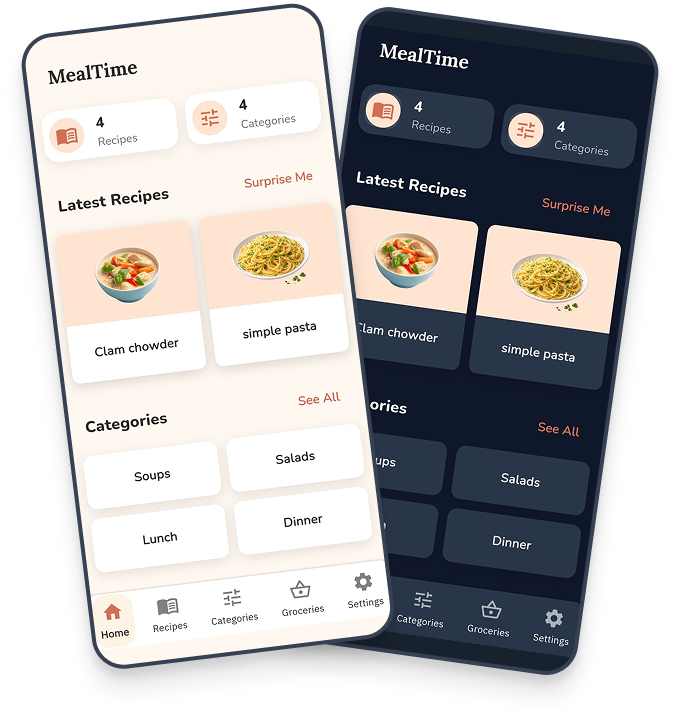
- Save your own recipes
- Track meals & plan groceries
- Optional AI features (bring-your-own-key)
- Simple. Offline-first. Yours.


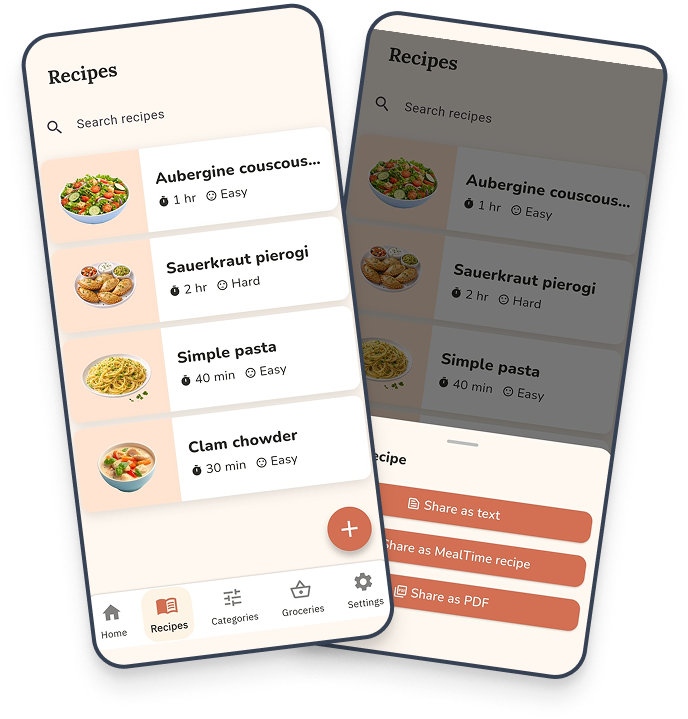
All Your Recipes. One Place.
- Save and organize your recipes
- Share with friends as text, files, or PDFs
- Import from links, images, or MealDB
- AI-powered recipe generation
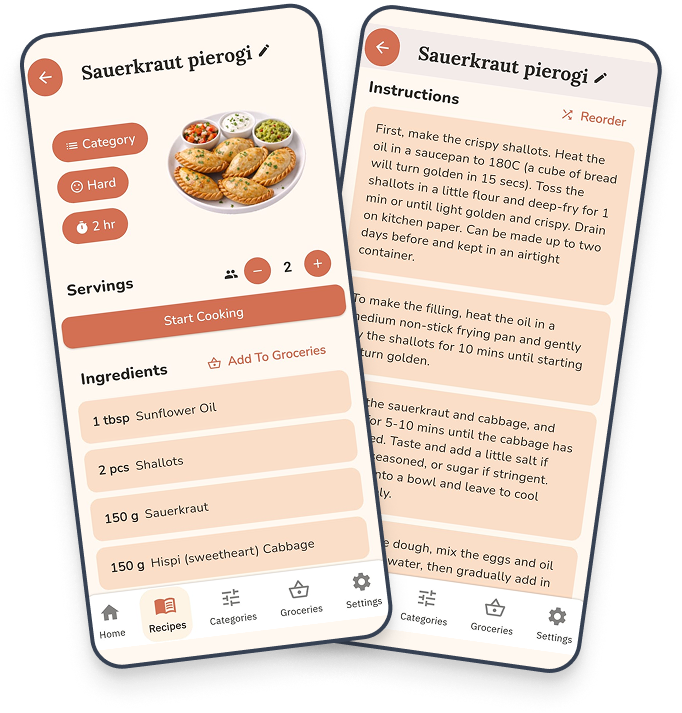
Cook With Confidence
- Clear ingredients and servings
- Time, difficulty and categories
- Detect allergens with AI
- Get pairing suggestions
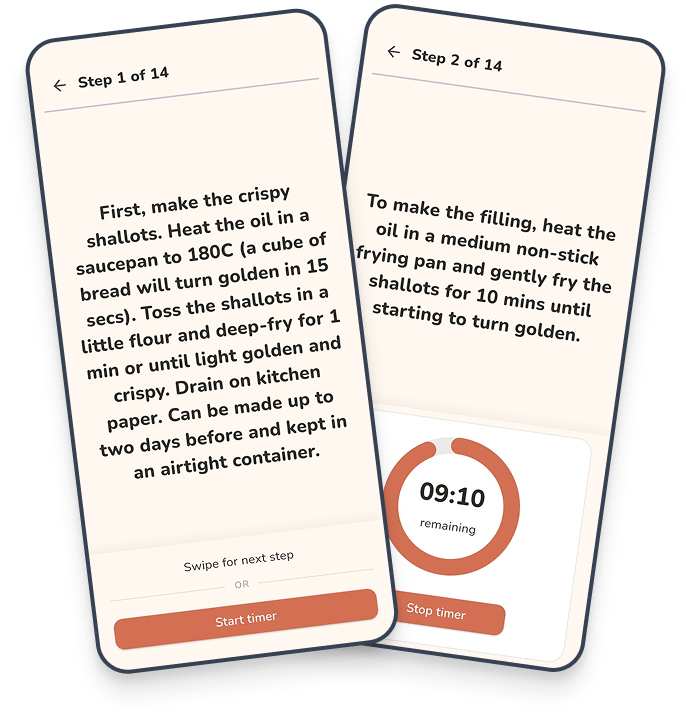
Stay Focused With Cooking Mode.
- Distraction-free view
- Step-by-step instructions
- Built-in timers
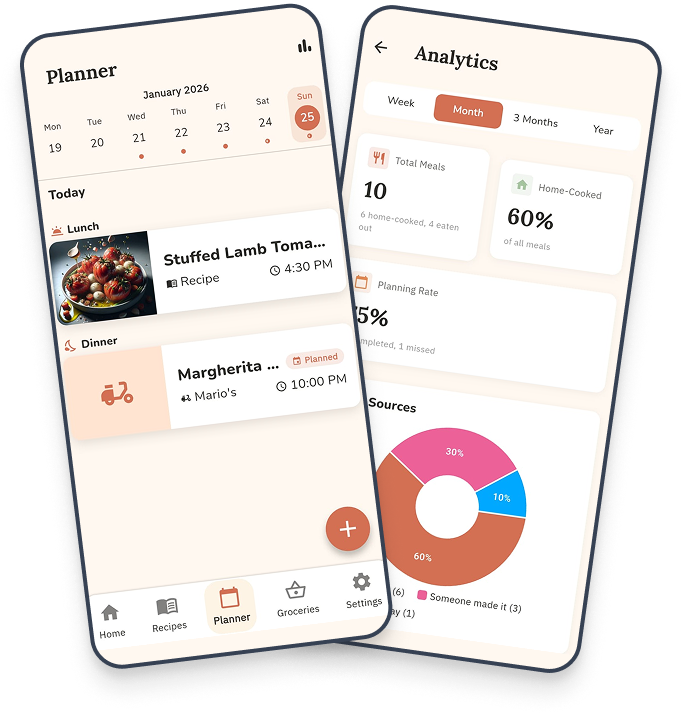
Track What You Eat.
- Log meals from recipes or restaurants
- View cooking analytics and trends
- All data stays on your device
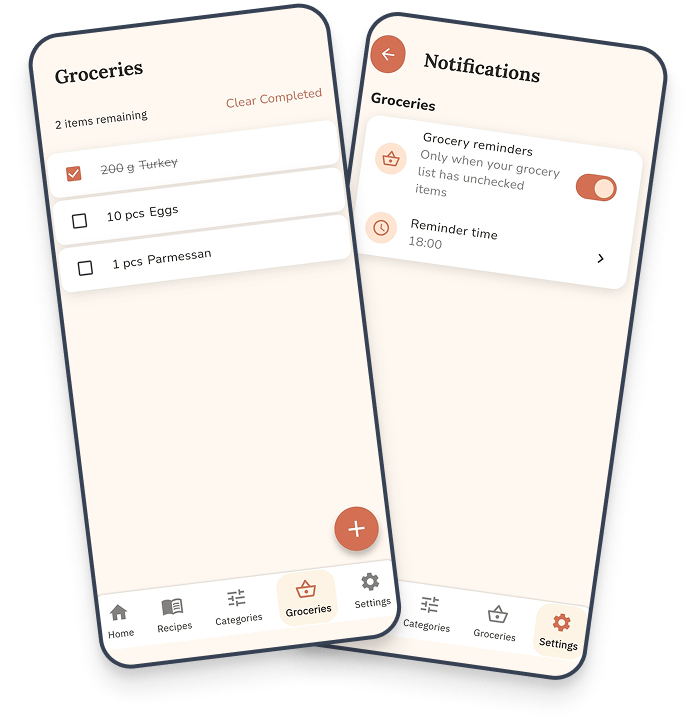
Groceries Stay In Mind.
- Add items from recipes or manually
- Share lists with family in real-time
- Smart reminders
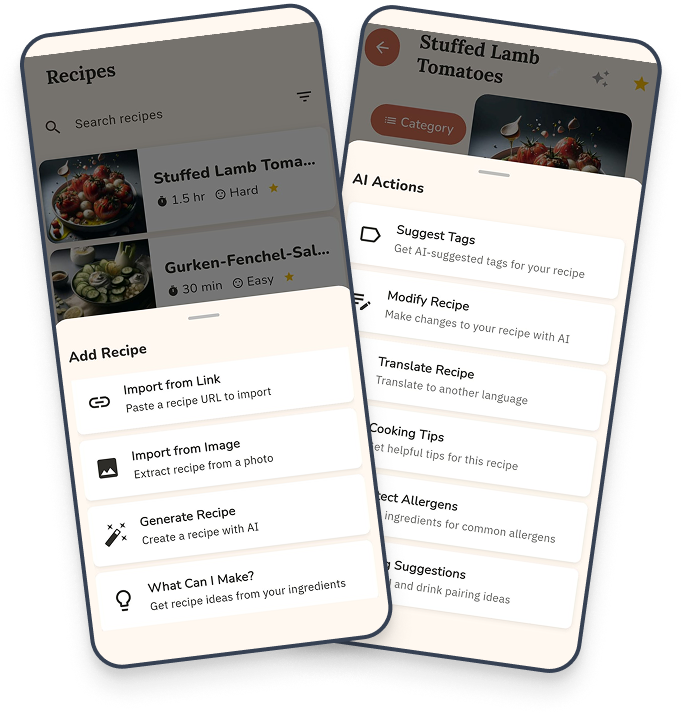
AI Assistant Here to Help!
- Access a wide, ever-growing range of features
- Sign up with your own API key
- OpenAI, DeepSeek, and Google supported
- Currently available on Android — coming soon to iOS
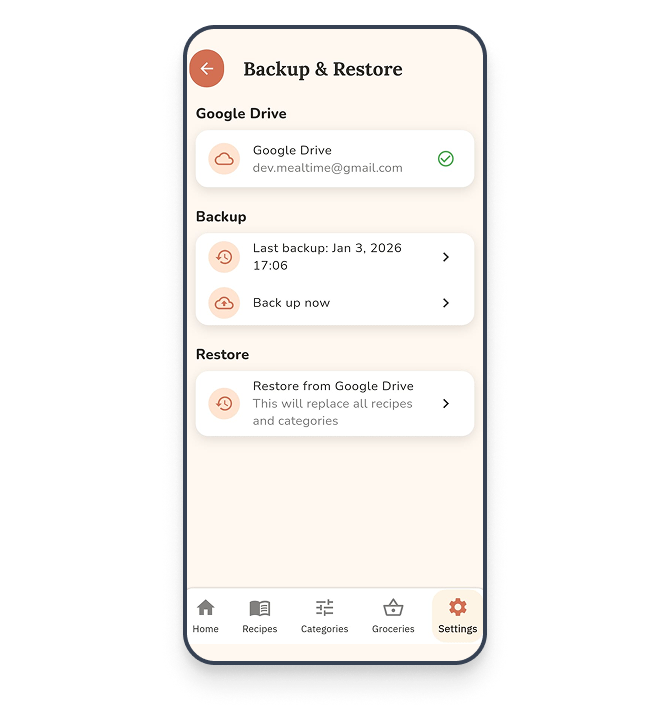
Keep Your Recipes Safe.
- Manual Google Drive/Icloud backup
- Restore anytime
- A separate image backup is available
- Change devices with peace of mind
Frequently asked questions
What is MealTime?
MealTime is a mobile app for home cooking: save your own recipes, plan meals, and automatically generate grocery lists.
Does MealTime work offline?
Yes. MealTime is offline-first. Your recipes are stored on your device and work without a connection.
Which platforms is MealTime on?
MealTime is available for Android and iOS.
Does MealTime use AI?
AI features are optional. You can add your own API key (OpenAI, DeepSeek, or Google) to enable them. AI is on Android now, with iOS coming soon.
Can I back up my recipes?
Yes. You can back up to Google Drive or iCloud and restore anytime, with a separate image backup available.